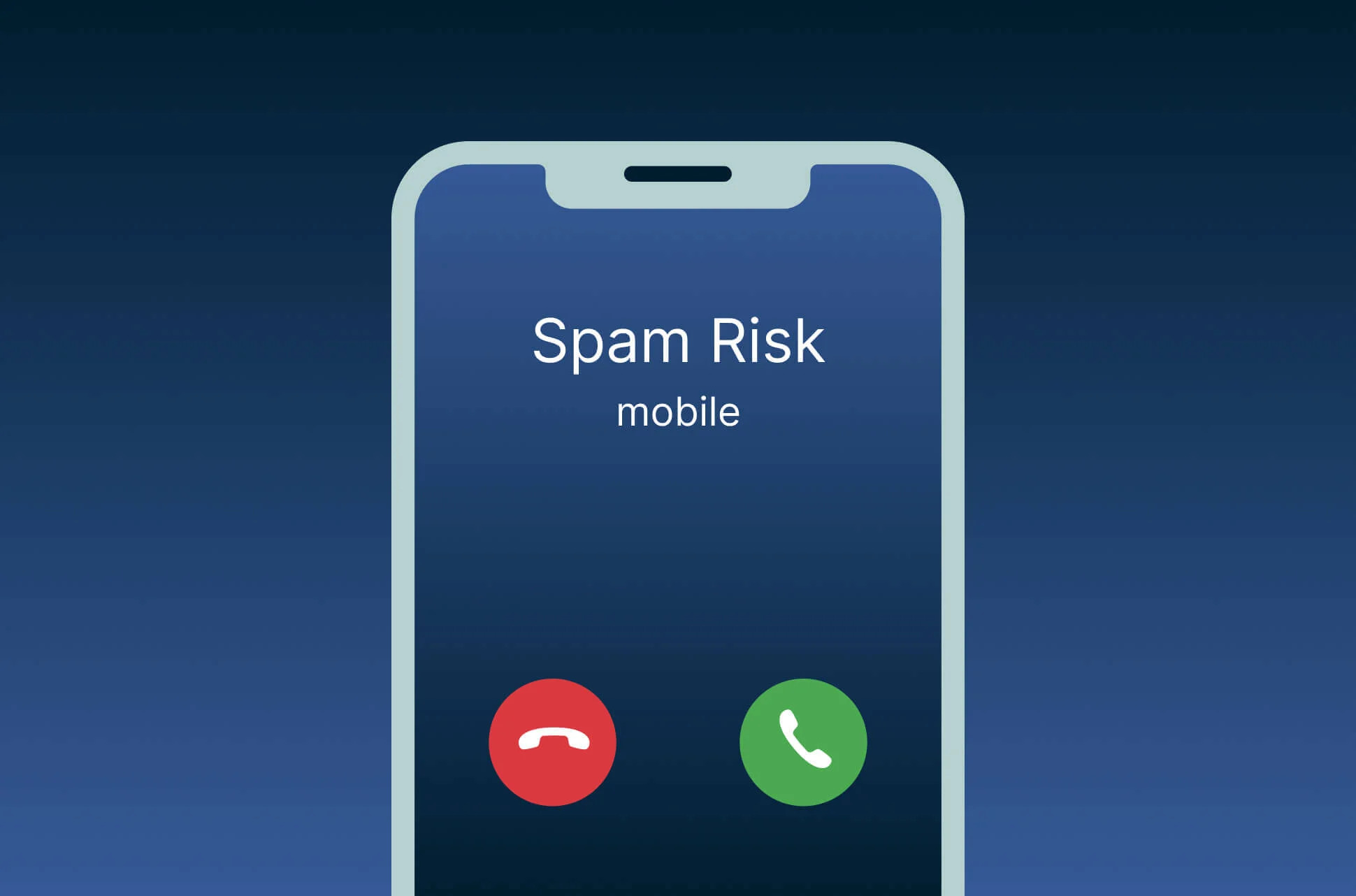
Spam calls and messages can interrupt work, create anxiety, and expose users to scams. Some are simple advertisements, while others impersonate banks, delivery companies, government departments, employers, or family members. The sender may try to collect personal information, obtain verification codes, or pressure you into making a payment.
Completely stopping spam is difficult because senders constantly change numbers. However, built-in phone tools, carrier services, careful privacy habits, and consistent reporting can significantly reduce unwanted contact.
Do Not Answer Unknown Calls Automatically
Let unfamiliar numbers go to voicemail unless you are expecting an important call.
Legitimate callers usually leave a message, send an identifiable text, or call again with clear information.
Answering every unknown call may confirm that your number is active.
Do not press buttons in response to a recorded message unless you are certain the call is legitimate.
Useful smartphone communication guides can help users understand the difference between ordinary unknown callers and suspicious automated activity.
Enable Built-In Spam Protection
Most modern phone applications include caller identification and spam filtering.
Open the phone app settings and enable options such as caller ID, spam protection, silence unknown callers, or filter suspected spam.
The exact wording varies by device and region.
Review blocked-call history occasionally. An important caller may be filtered incorrectly, especially when using a new business or temporary number.
Block Individual Numbers
Open the recent-call list, select the spam number, and choose Block or Report Spam.
Do the same for unwanted messages.
Blocking prevents that particular number from contacting you again, but spammers may use another number.
Continue reporting repeated attempts so the phone provider and filtering systems receive useful information.
Report Spam Messages
Use the report-spam option inside the messaging application.
Do not reply “STOP” unless the message comes from a legitimate company you previously authorized. Replying to a scam message may confirm that your number is active.
Forward or report messages through the method recommended by your carrier when available.
Delete the message after reporting it, especially when it contains a suspicious link.
Avoid Opening Unexpected Links
Spam messages often create urgency. They may claim that a package is delayed, an account is locked, a payment failed, or a prize is waiting.
Do not tap the link.
Open the company’s official application or type its known website address yourself. Contact the organization using a number from an official statement, card, or account page.
Following secure message-handling practices helps users verify claims without giving attackers access to login or payment details.
Never Share Verification Codes
A legitimate support agent should not ask you to send a one-time password or verification code received by text.
Criminals may already know your phone number and email address. The code may be the final step needed to enter your account.
Do not read codes aloud during unexpected calls.
If you shared one accidentally, change the relevant password immediately and contact the company through an official channel.
Use Contact-Only Call Settings Carefully
Some phones can silence every caller who is not saved in your contacts.
This is useful when spam is severe, but it can also silence doctors, schools, delivery drivers, employers, repair technicians, and emergency-related calls.
Use the feature during specific periods or review voicemail frequently.
Add important service numbers to contacts when possible.
Register With Available Do-Not-Call Services
Some countries provide official do-not-call or marketing preference registers.
Registration may reduce legitimate sales calls, but criminals and overseas robocallers may ignore the rules.
Do not assume every call after registration is safe.
Avoid unofficial websites that request excessive personal information while claiming to register your number.
Contact Your Mobile Carrier
Carriers may provide free or paid spam-call filtering.
Ask what protection is available for your plan. Some services label suspected fraud, block known robocall numbers, or allow stronger filtering.
Carrier-level blocking may stop calls before they reach the phone.
Confirm whether the service affects voicemail, international calls, or business numbers.
Remove Your Number From Public Profiles
Phone numbers posted on public social media pages, websites, online advertisements, and business directories can be collected by automated systems.
Review old profiles and remove the number where it is no longer needed.
Use privacy controls to limit who can view contact information.
Business owners may need a public number. A separate business line can protect a personal number from wider exposure.
Avoid Unnecessary Forms and Giveaways
Online contests, surveys, discount forms, and quote websites often request phone numbers.
Provide your number only when it is necessary and the organization explains how it will be used.
Uncheck optional marketing consent boxes.
Practical digital privacy improvement methods can help users reduce how widely their contact details circulate online.
Use a Secondary Number When Appropriate
A secondary SIM, eSIM, business line, or reputable forwarding number can be useful for public listings, online sales, or temporary projects.
Keep the primary number for trusted personal and financial accounts.
Do not use temporary numbers for services that require long-term account recovery unless you know you will retain access.
Separate numbers make it easier to identify where spam originated.
Filter Unknown Message Senders
Many messaging applications can separate texts from unknown senders into another folder.
Enable this feature and check the filtered folder periodically.
Do not allow message previews to reveal suspicious content on the lock screen.
Mark legitimate contacts correctly so future messages appear in the main inbox.
Watch for Number Spoofing
Spam calls may display a number that looks local or resembles your own.
The displayed number may not belong to the actual caller. Criminals can imitate businesses, institutions, and ordinary individuals.
Do not trust a call only because the number appears familiar.
End the call and contact the organization independently using a verified number.
Be Suspicious of Urgent Payment Requests
Scammers may demand gift cards, cryptocurrency, bank transfers, or immediate card payments.
They often threaten arrest, account closure, service interruption, or loss of a supposed prize.
Pause and verify the claim. Legitimate organizations generally provide formal methods for resolving account problems.
Discuss the message with a trusted person before sending money.
Protect Elderly and Young Family Members
Explain common spam tactics to relatives who may be less familiar with them.
Create a simple rule: never send money, share a code, or provide account information during an unexpected call.
Save important family numbers in their contacts.
Enable spam filtering while ensuring necessary medical and service calls can still reach them.
Remove Suspicious Applications
Some apps collect phone numbers, contacts, or communication data unnecessarily.
Review permissions for contacts, call logs, SMS, microphone, and phone control.
Remove unfamiliar dialers, messaging tools, cleaners, and caller-ID apps downloaded from unofficial sources.
Reliable mobile security recommendations can help users identify applications that increase spam exposure or interfere with normal call protection.
Change Compromised Account Passwords
A sudden increase in targeted messages may follow an account breach or leaked contact database.
Change passwords for email, banking, shopping, and mobile carrier accounts.
Use unique passwords and enable two-step verification.
Check account login histories and remove unfamiliar devices.
Protect the email account first because it can reset many other services.
Preserve Evidence of Serious Threats
Take screenshots and record dates, times, numbers, voicemail, and payment requests when messages contain threats, extortion, impersonation, or repeated harassment.
Do not engage with the sender.
Report the matter to the carrier, relevant platform, financial institution, or appropriate local authority.
Preserve evidence before blocking and deleting the conversation.
Do Not Install Random Spam Blockers
Some third-party spam blockers require access to contacts, call history, messages, and microphone information.
Use built-in phone and carrier tools first.
If installing another app, research the developer, privacy policy, update history, and requested permissions.
A spam-blocking application should not create a larger privacy problem than the calls it is meant to stop.
Spam calls and messages become easier to manage when you combine filtering, blocking, reporting, and careful information sharing. Never trust urgency, avoid unexpected links, protect verification codes, and contact organizations through independent official channels. No filter catches everything, so personal caution remains the strongest defense against phone-based scams.